Text to 3D
Gen3D is a cutting-edge 3D generation AI platform that enables fast, high-quality 3D model creation from text, images, or sketches, perfect for game development, animation, and product design.
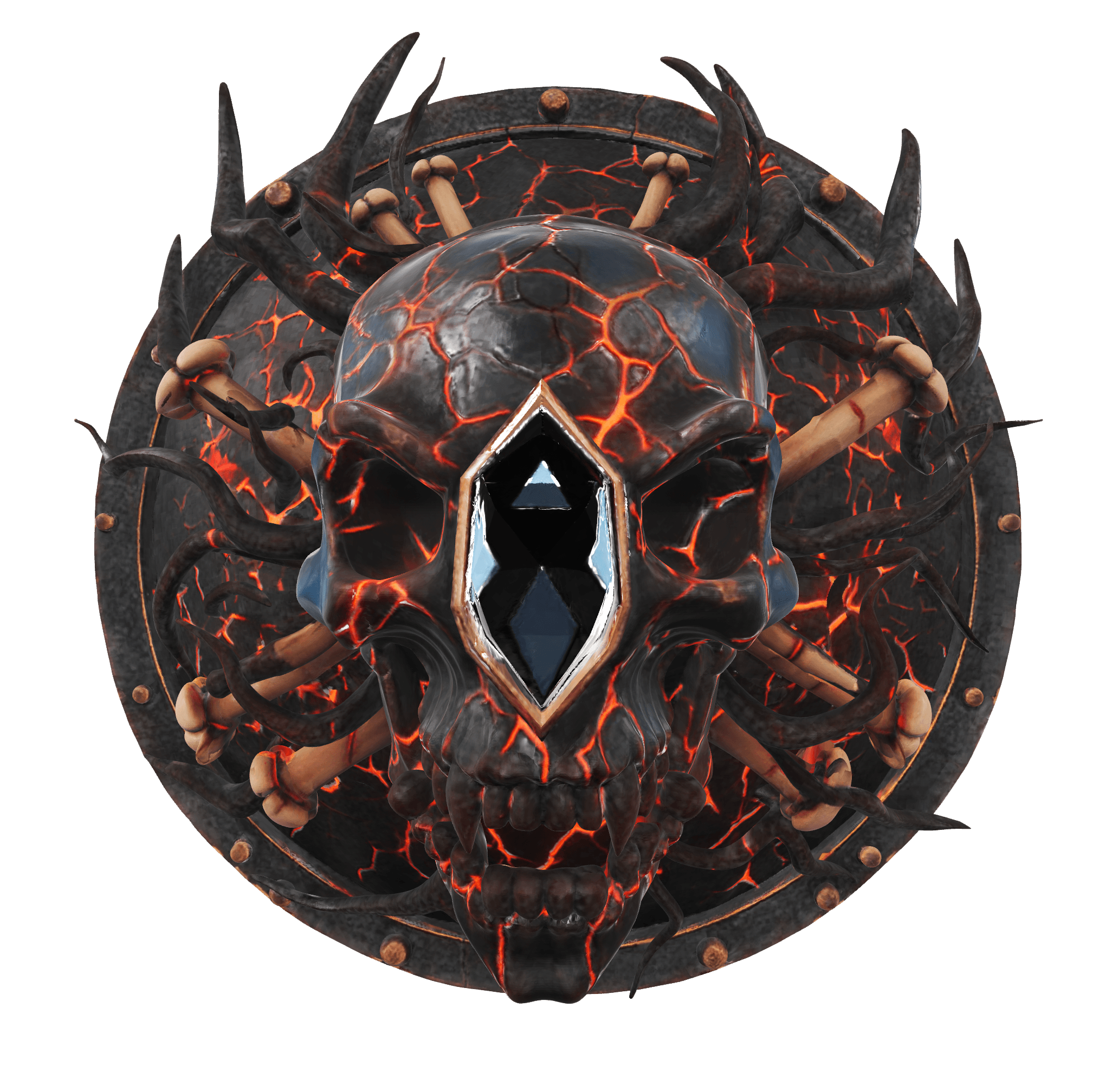
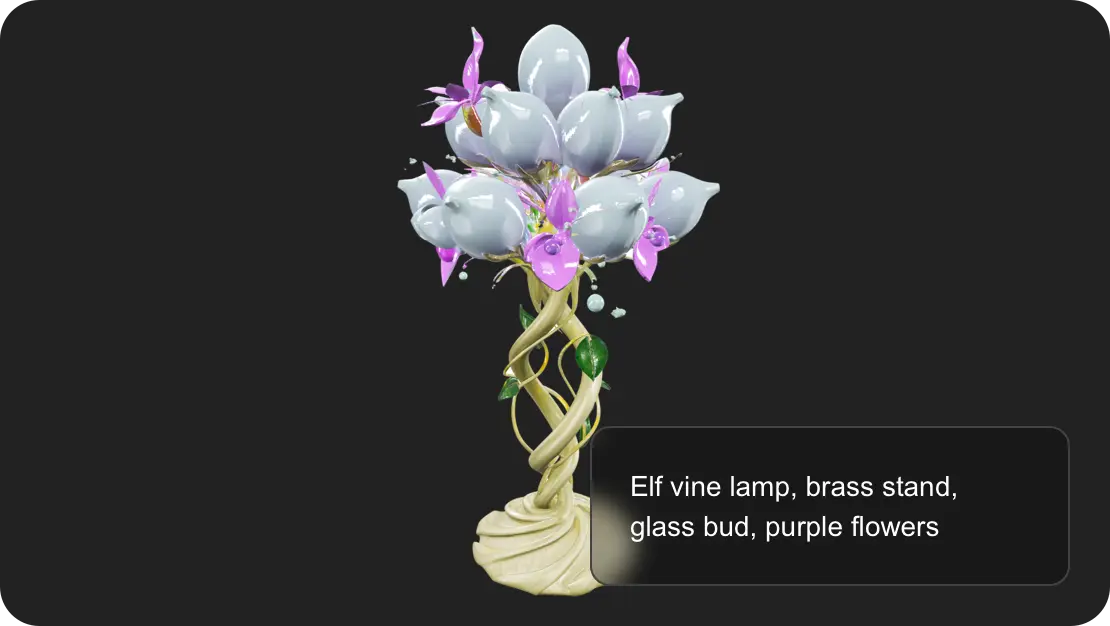
Dark fantasy skull shield, lava cracks, black gem
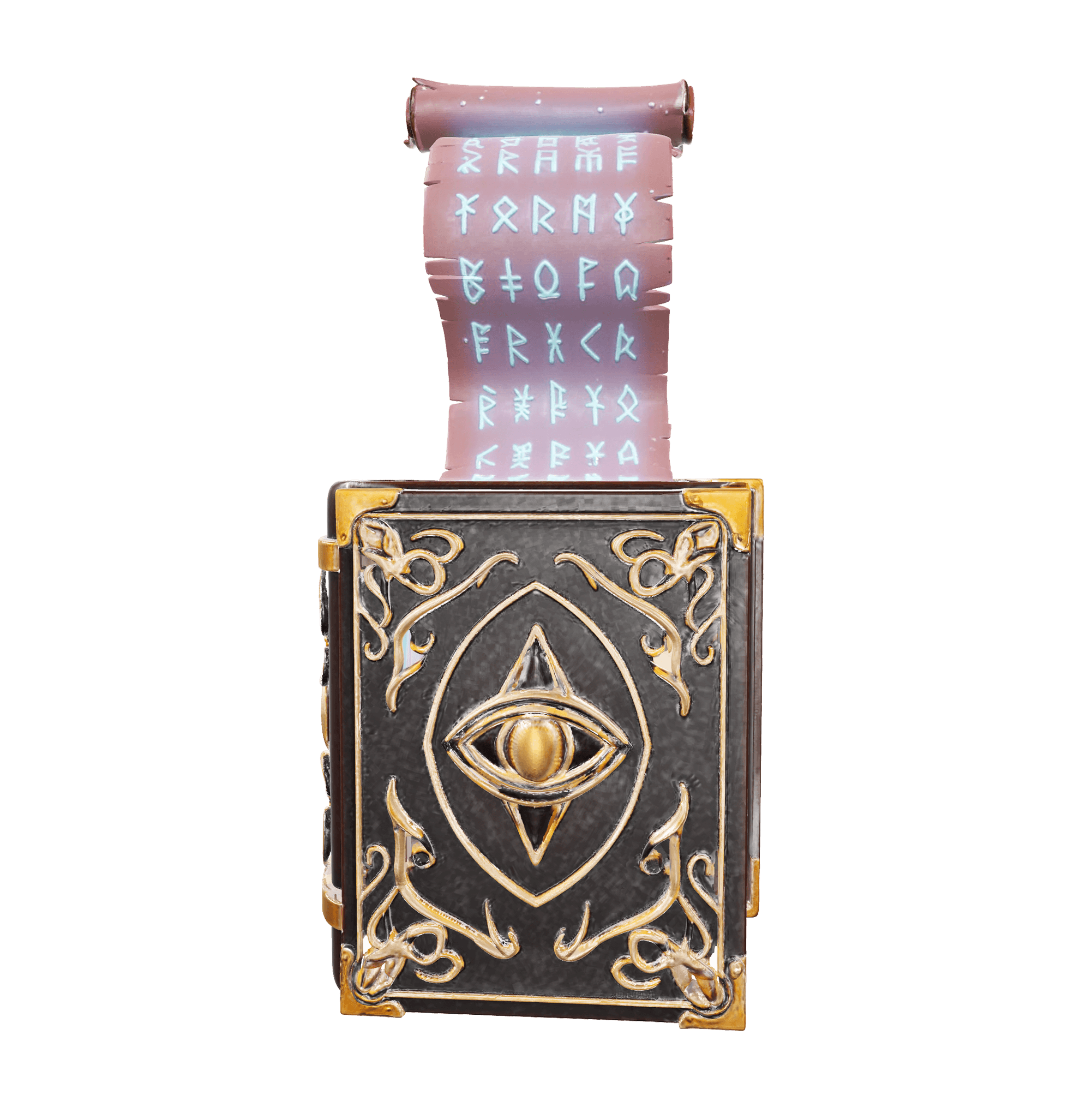
Glowing magic book, leather cover, gold pattern, lit scroll
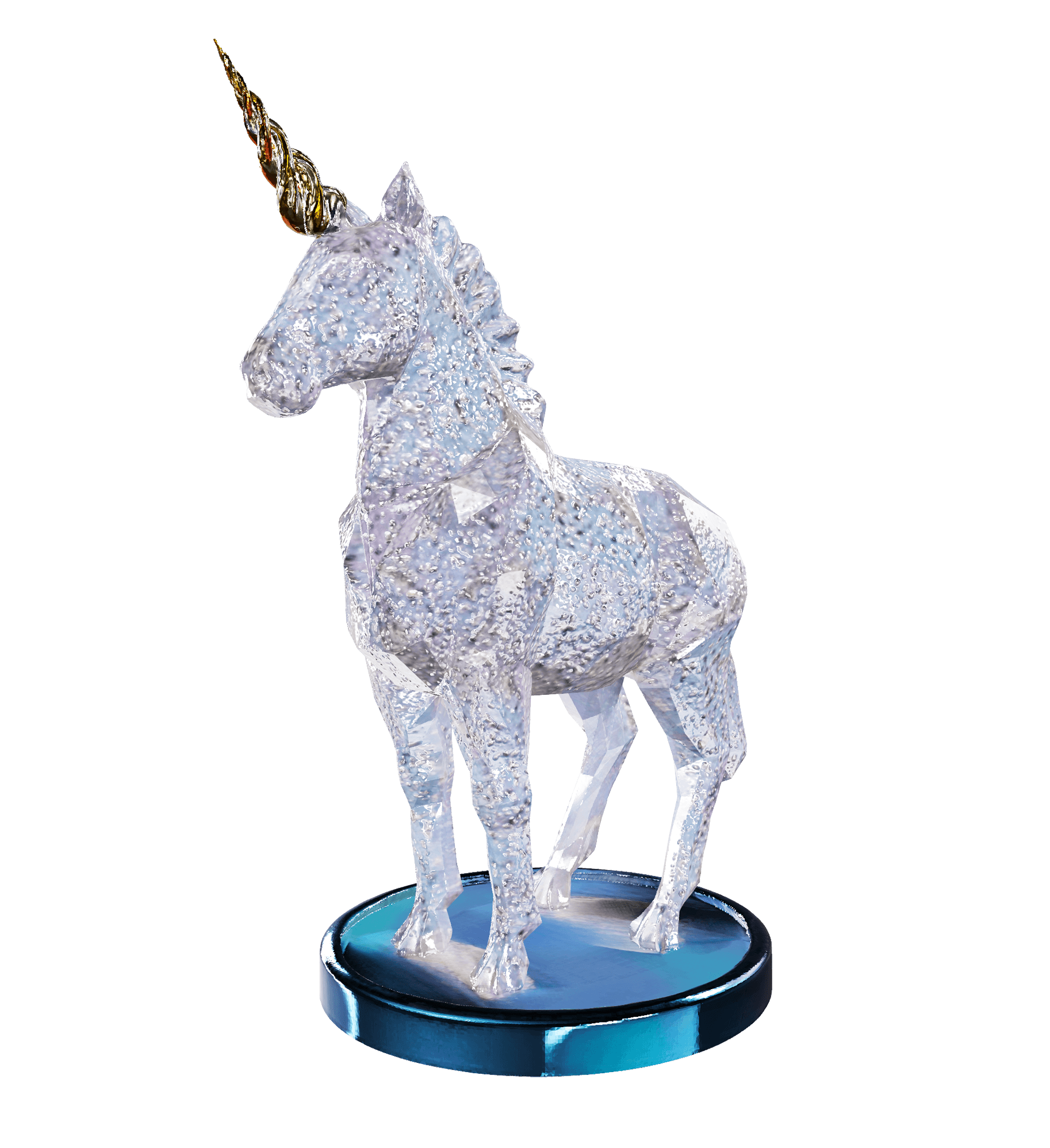
Unicorn paperweight, crystal glitter, gold horn, rainbow glow
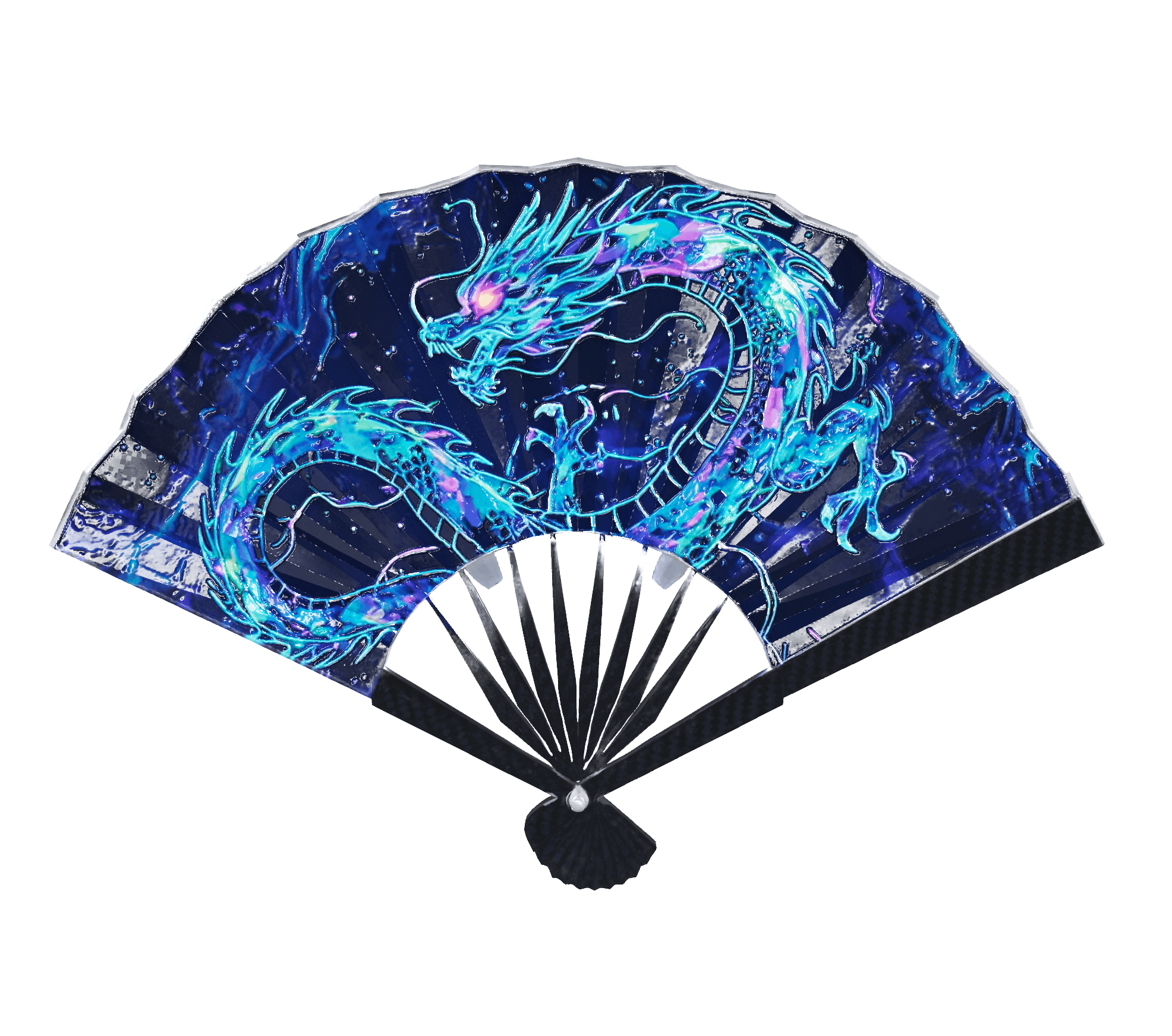
Cyber-Chinese fan, carbon fiber, ink, fluorescent dragon
The Features of Text To 3D
Effortless 3D Model Creation
Text to 3D allows you to generate detailed 3D models from text prompts without requiring advanced design skills. By simply typing a description, users can instantly bring their ideas to life, making it ideal for game developers, product designers, and digital artists.
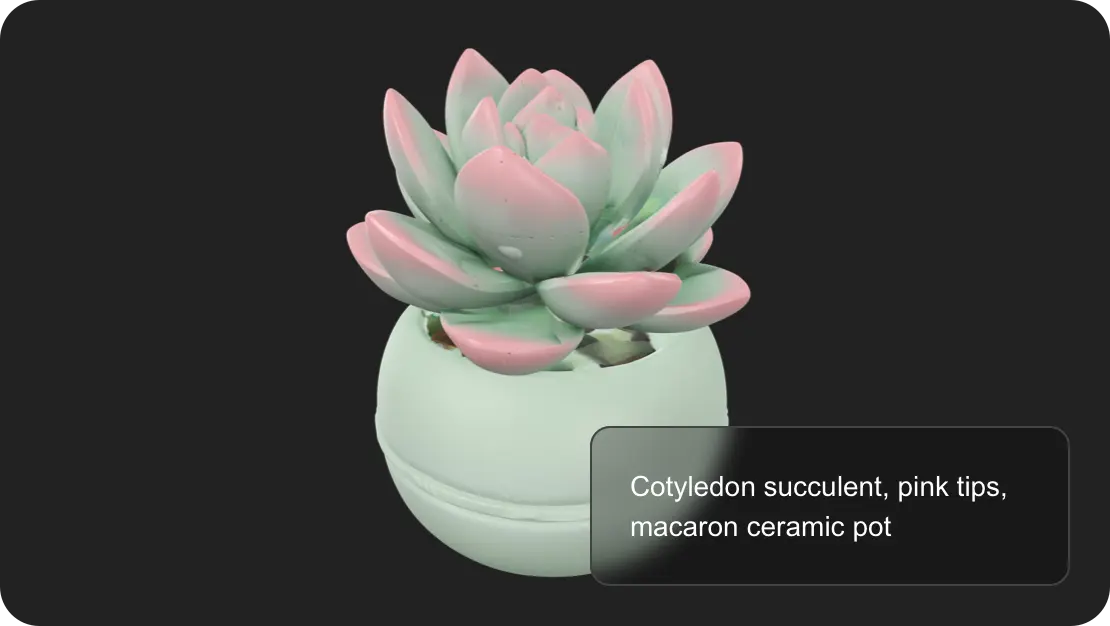
High-Quality and Customizable Assets
With AI-driven 3D model generation, you can produce both realistic and stylized assets that fit diverse creative needs. Whether you need low-poly game characters, cinematic props, or VR/AR-ready environments, Text to 3D ensures professional-grade results that can be customized for any project.
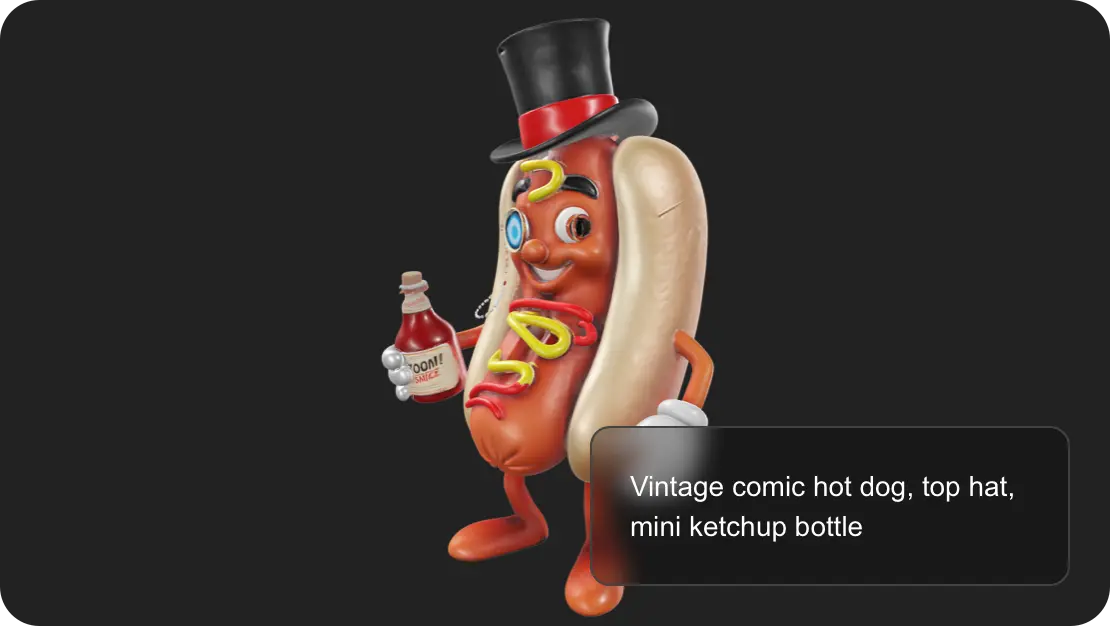
Fast Prototyping for Creative Workflows
Text to 3D streamlines the design process by enabling rapid prototyping of 3D assets. Instead of spending hours on manual modeling, creators can test multiple concepts in minutes, enhancing productivity for animation studios, advertising agencies, and virtual reality developers.
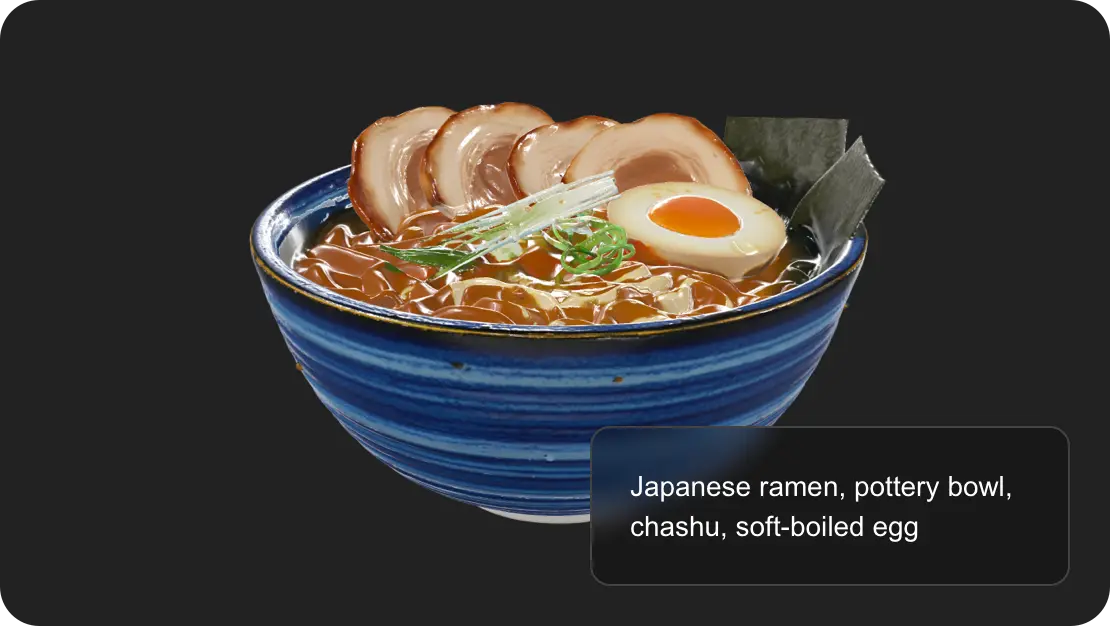
Compatibility with Leading 3D Platforms
The generated models support popular file formats like .obj, .fbx, and .glb, ensuring seamless integration into Unreal Engine, Unity, and Blender. This makes Text to 3D a versatile tool for building interactive 3D content, immersive experiences, and cross-platform projects.
How to Use the Text To 3D
 Step1
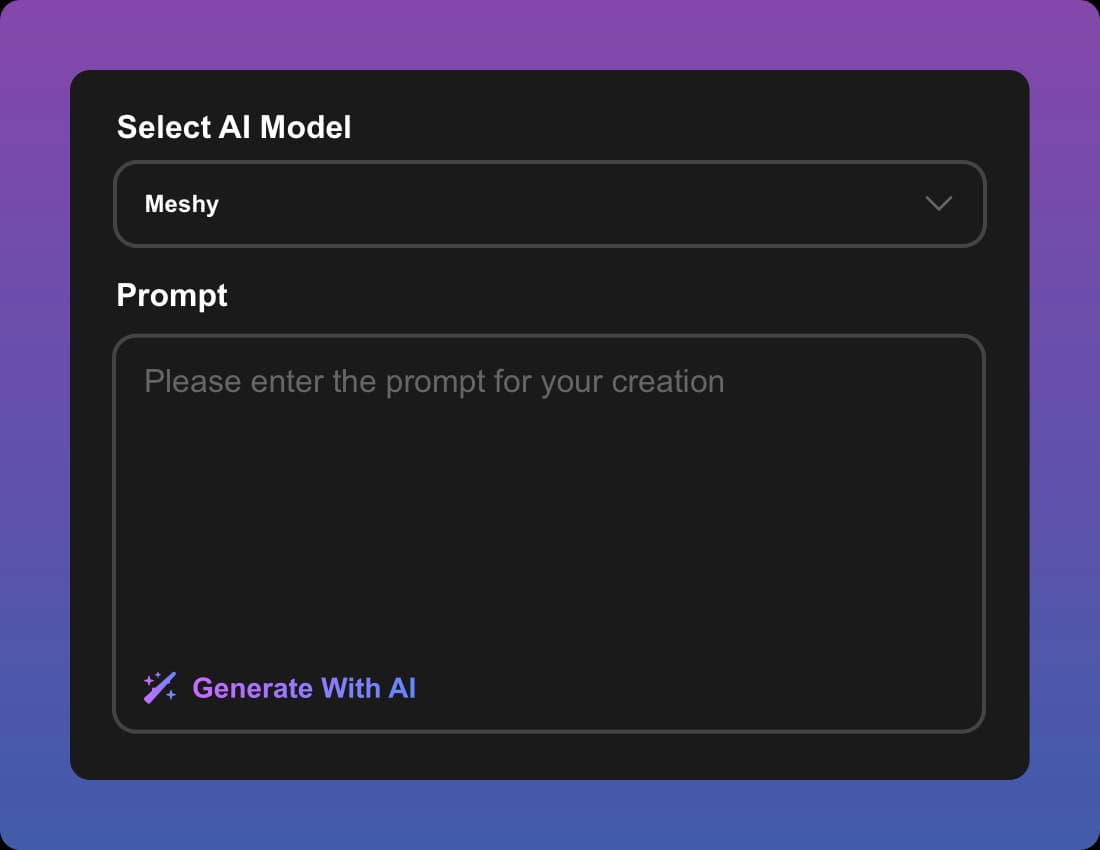
Step1Choose Your AI Model and Enter a Text Prompt
Select the Text to 3D AI model that fits your project, then type a descriptive text prompt to start generating your 3D model instantly.
 Step2
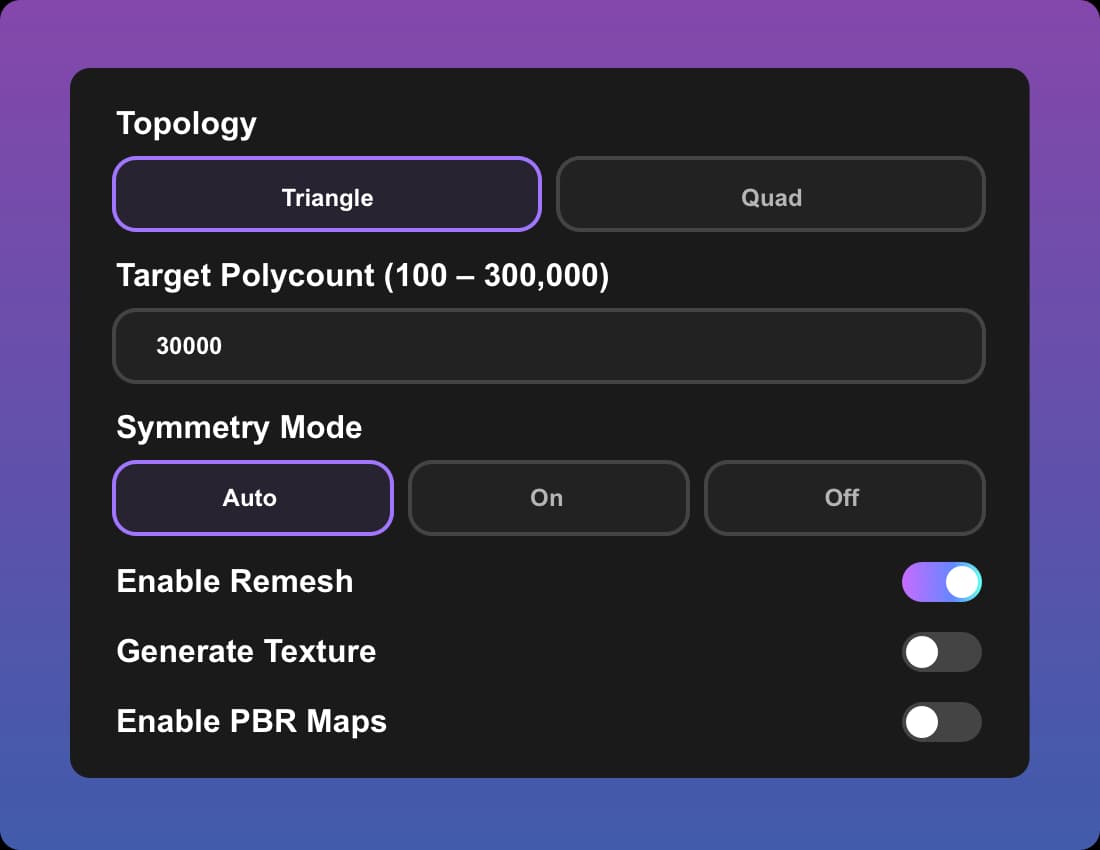
Step2Customize Your 3D Model
Adjust shapes, textures, and materials to refine your 3D asset. The platform supports high-quality 3D model customization for game design, animation, and VR/AR projects.
 Step3
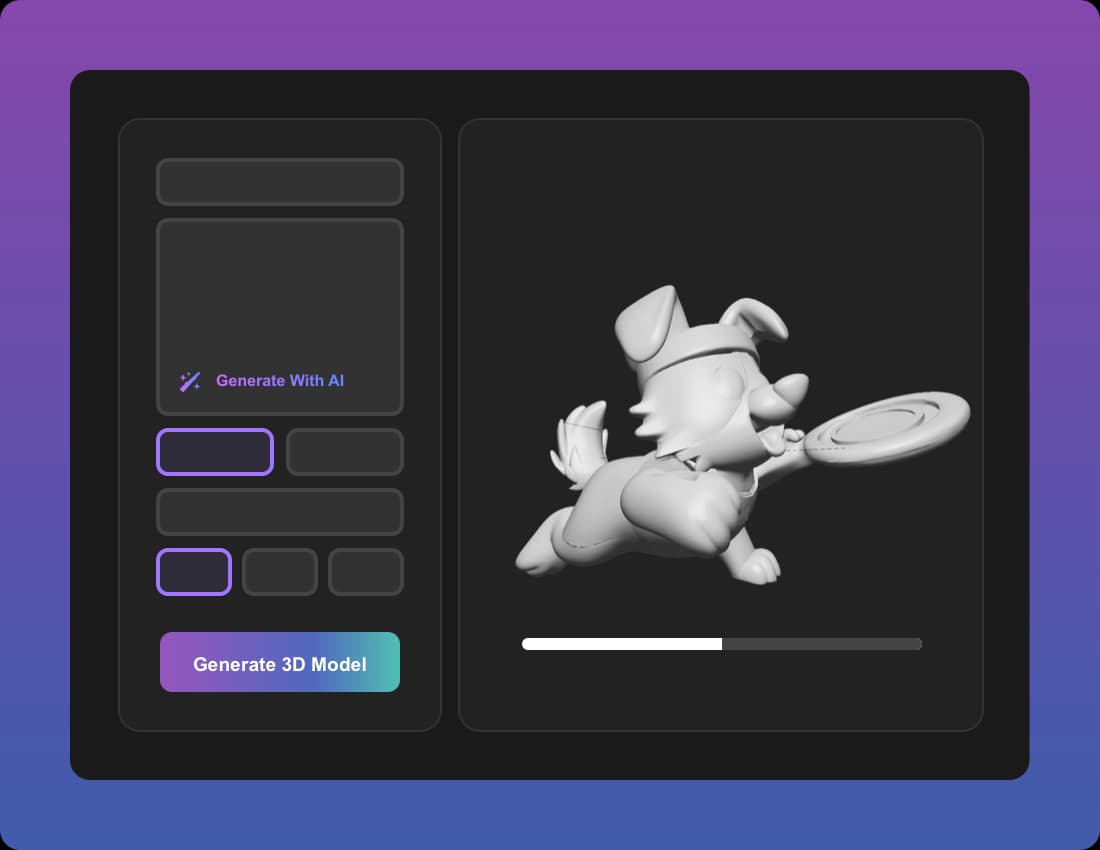
Step3Generate Your 3D Model
Click to generate your 3D model from the text prompt. The Text to 3D AI quickly produces a detailed, editable asset ready for creative workflows.
 Step4
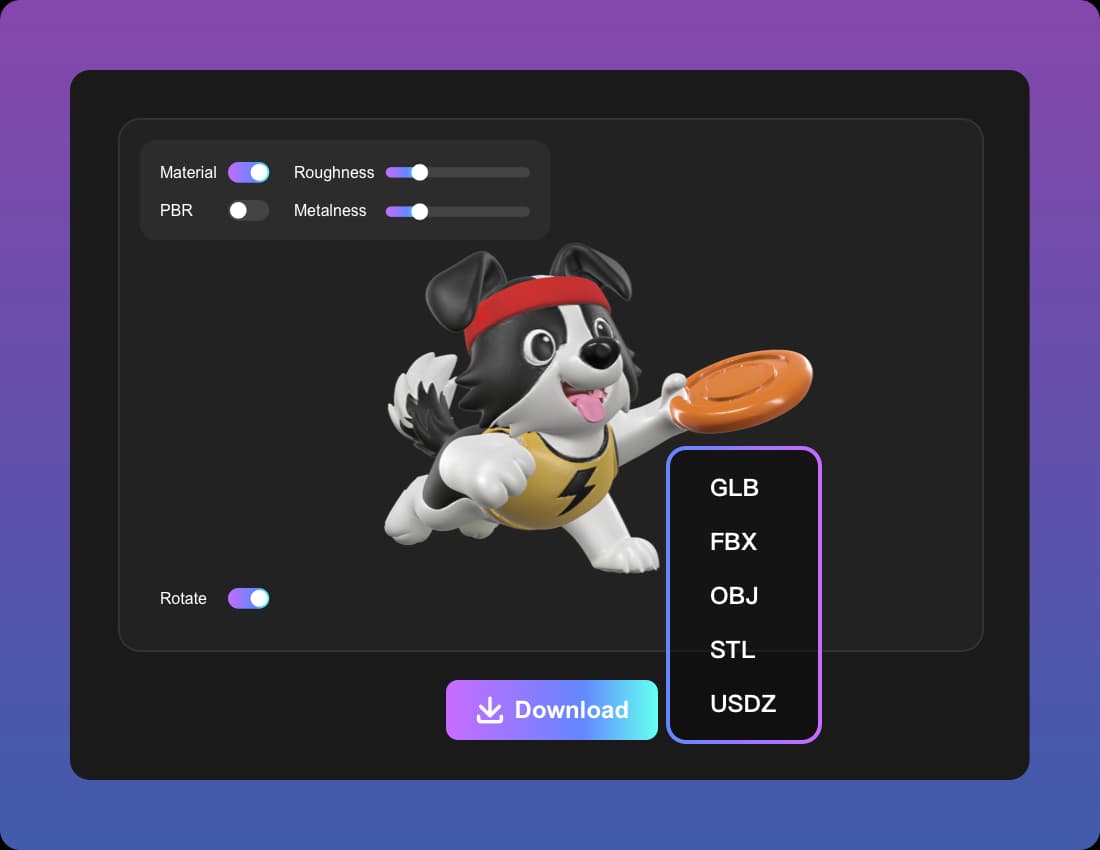
Step4Preview & Export
Preview your 3D model in real-time and make final adjustments. Export your Text to 3D asset in .obj, .fbx, or .glb formats for integration into Unity, Unreal Engine, Blender, or other 3D design tools.
Who Can Benefit from Using Text To 3D
Game Developers
Game creators can use Text to 3D model generation to quickly design characters, props, and environments, saving time in game development workflows.
3D Artists & Designers
Professional 3D artists benefit from AI Text to 3D tools that convert written prompts into editable models, helping them explore new concepts faster.
VR/AR Content Creators
Developers of immersive experiences rely on Text to 3D software to generate realistic and interactive VR/AR-ready 3D models, boosting productivity.
Product Designers & Marketers
By using Text to 3D AI, designers can create accurate 3D product prototypes for advertising, branding, and e-commerce visualization.
Animation & Film Studios
Studios can transform creative scripts into cinematic 3D assets using Text to 3D technology, improving pre-visualization and storytelling.
Educators & Researchers
Teachers and researchers benefit from Text to 3D applications by generating 3D teaching aids, interactive simulations, and scientific visualizations.
What About Text To 3D

Alex Turner
Game Developer
Text to 3D completely changed how I build game assets. I can turn a simple idea into a 3D model in minutes.

Sophie Li
3D Artist
As a 3D artist, I love how Text to 3D lets me explore concepts faster than traditional modeling. The AI-generated 3D models are editable and production-ready.

Daniel Kim
Animation Director
Our studio integrates Text to 3D with Unity for rapid prototyping. It saves us weeks of work when creating cinematic 3D environments.

Maria Lopez
VR/AR Designer
For VR/AR projects, Text to 3D is a game-changer. The ability to generate VR-ready 3D models directly from text prompts is incredible.
James Carter
Product Designer
Text to 3D helps me present product concepts in 3D without needing advanced modeling skills. Perfect for e-commerce and digital marketing.

Dr. Emily Zhang
University Lecturer
I use Text to 3D to create interactive teaching materials. It makes learning more engaging by turning text into realistic 3D visualizations.
Frequently Asked Questions About Text To 3D
What is Text to 3D and how does it work?
Text to 3D is an AI-powered 3D model generator that transforms simple text prompts into detailed 3D assets. By analyzing your description, the system automatically creates shapes, textures, and geometry, making it easier for game developers, animators, and product designers to speed up their workflows.
Which industries can benefit from using Text to 3D?
Industries such as gaming, VR/AR, animation, advertising, and e-commerce can all benefit from Text to 3D technology. It enables creators to turn written ideas into usable 3D models for prototyping, immersive experiences, and digital marketing campaigns.
What file formats does Text to 3D support?
Most Text to 3D software tools export models in popular formats like .obj, .fbx, and .glb, making them compatible with platforms such as Unity, Unreal Engine, and Blender. This ensures seamless integration into professional 3D design pipelines.